A remind for clubs that delegates for the International Director candidate election need to be assigned in the Lion Portal by the 6 March 2026.
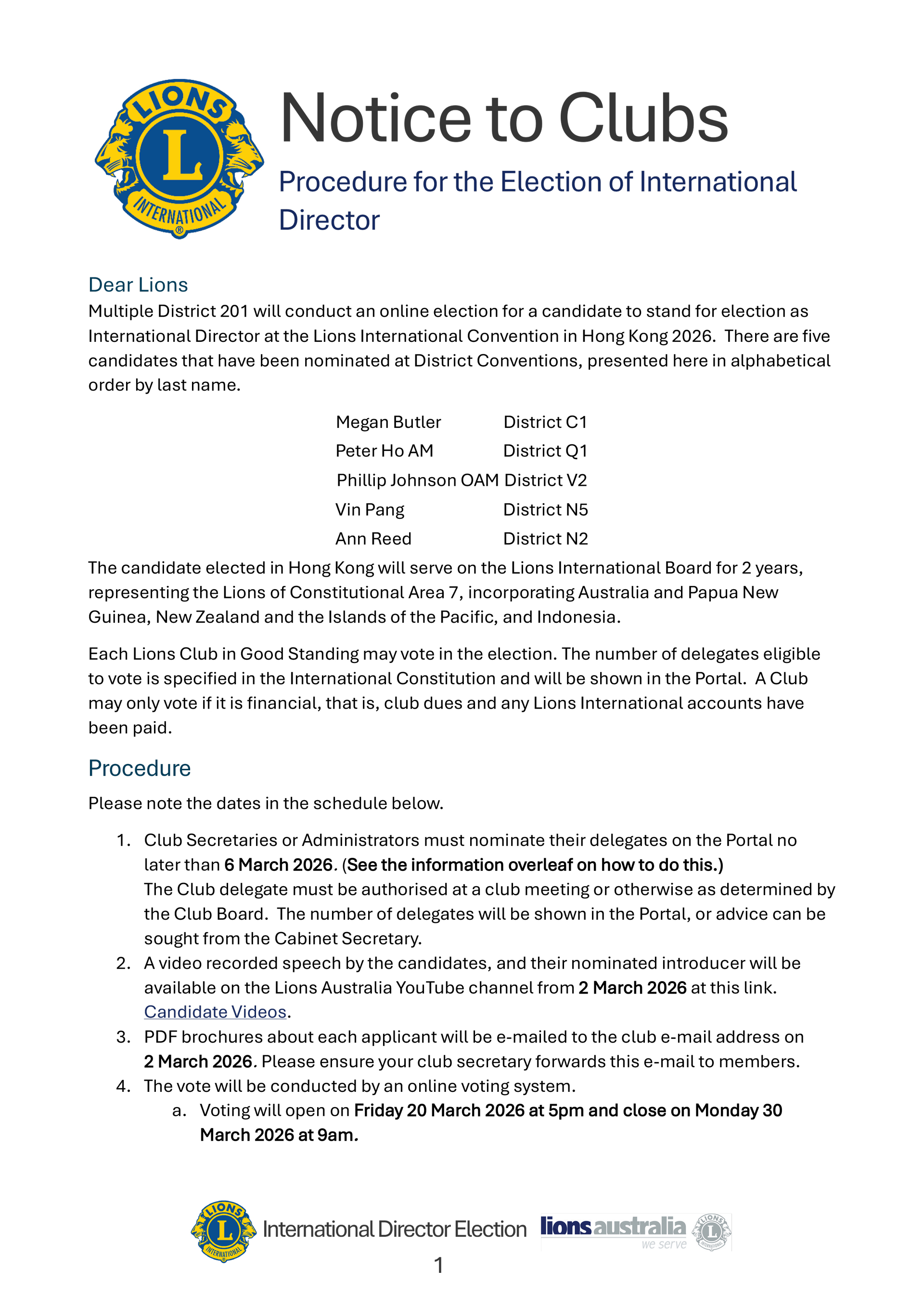
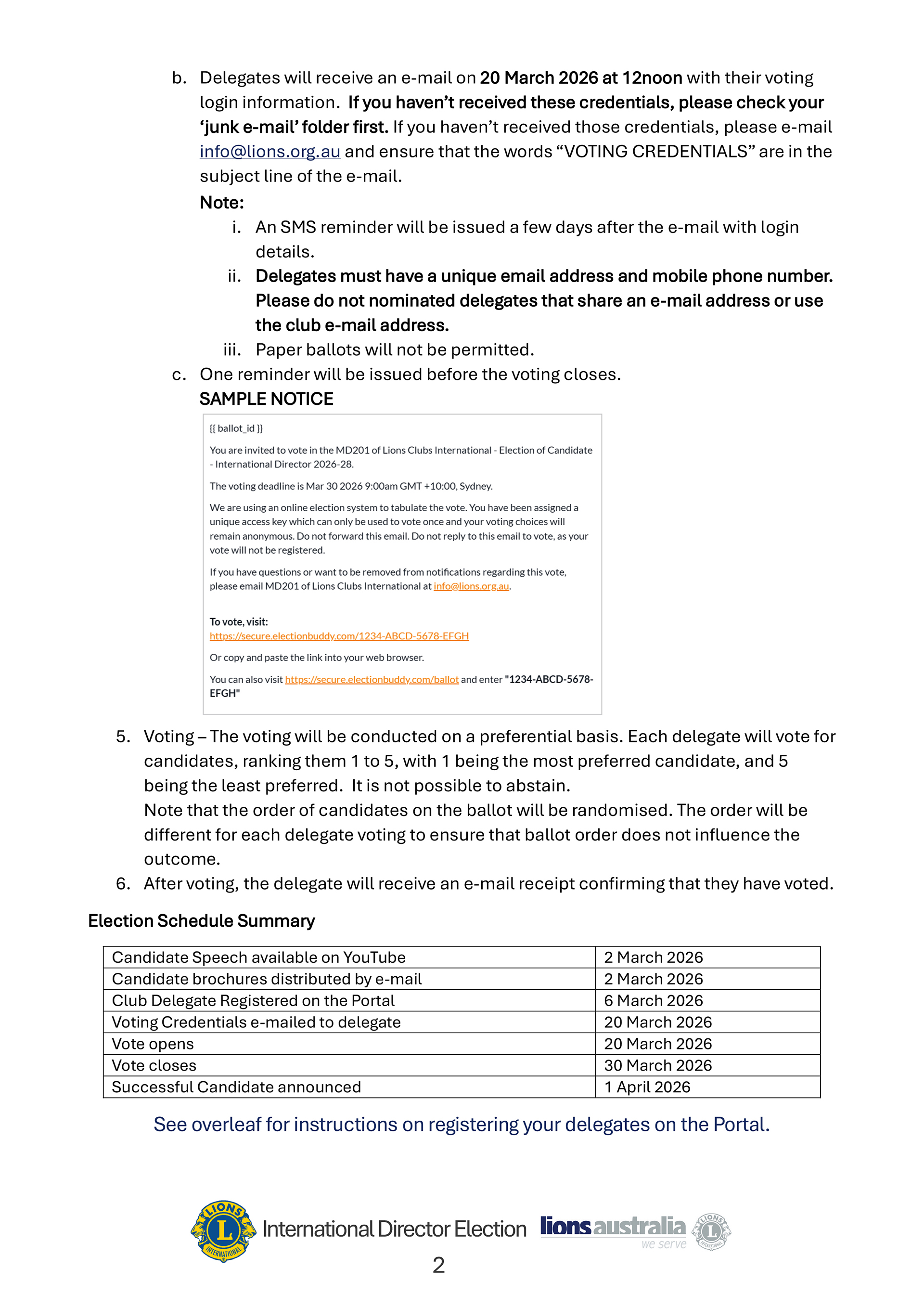
Attached is an updated "Procedure for the Election of the International Director Candidate" to help clubs. Two important things to note:
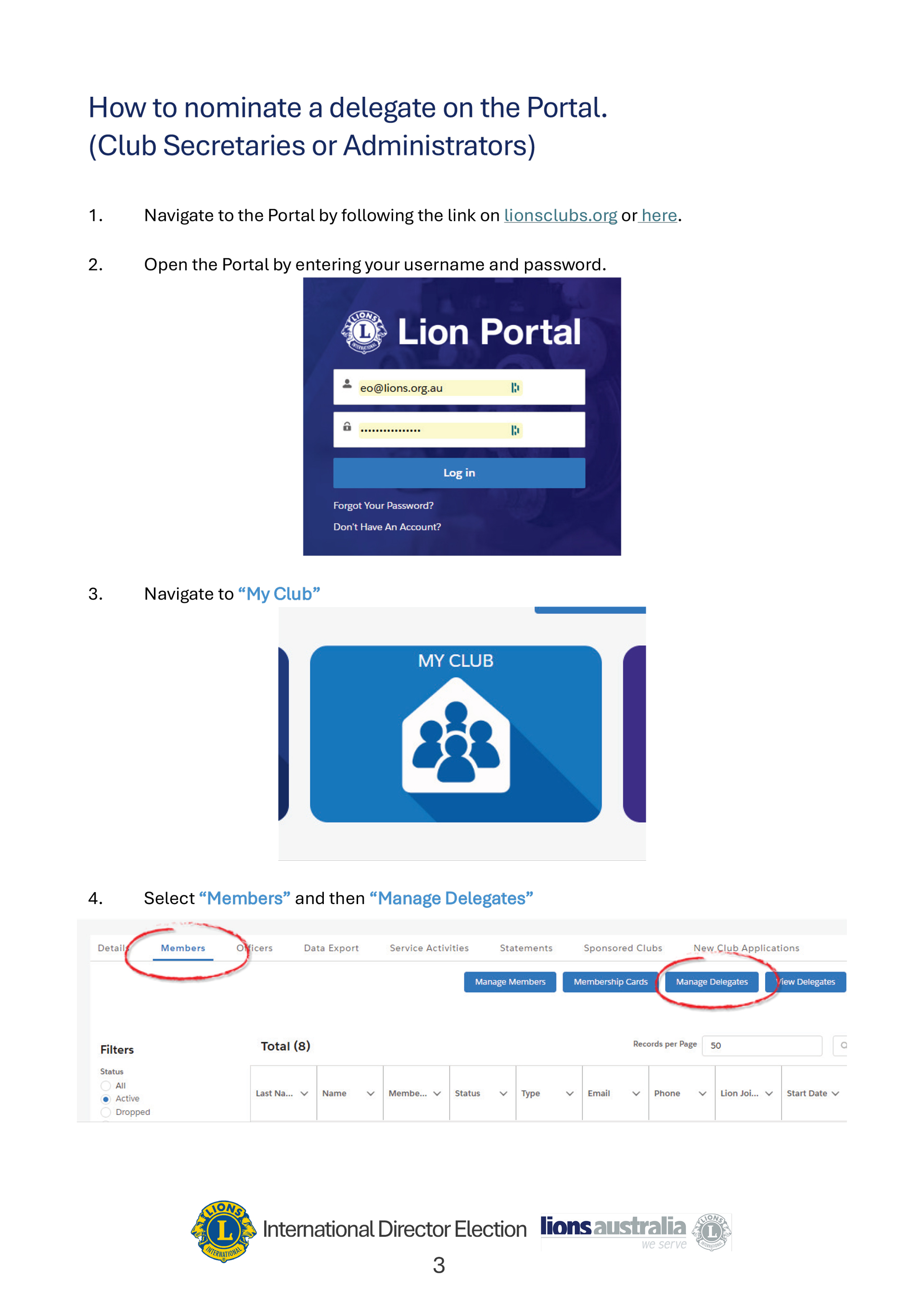
- Step 4 has been revised to highlight that you need to select the “Members” heading of your club to see the blue "Manage Delegates" button.
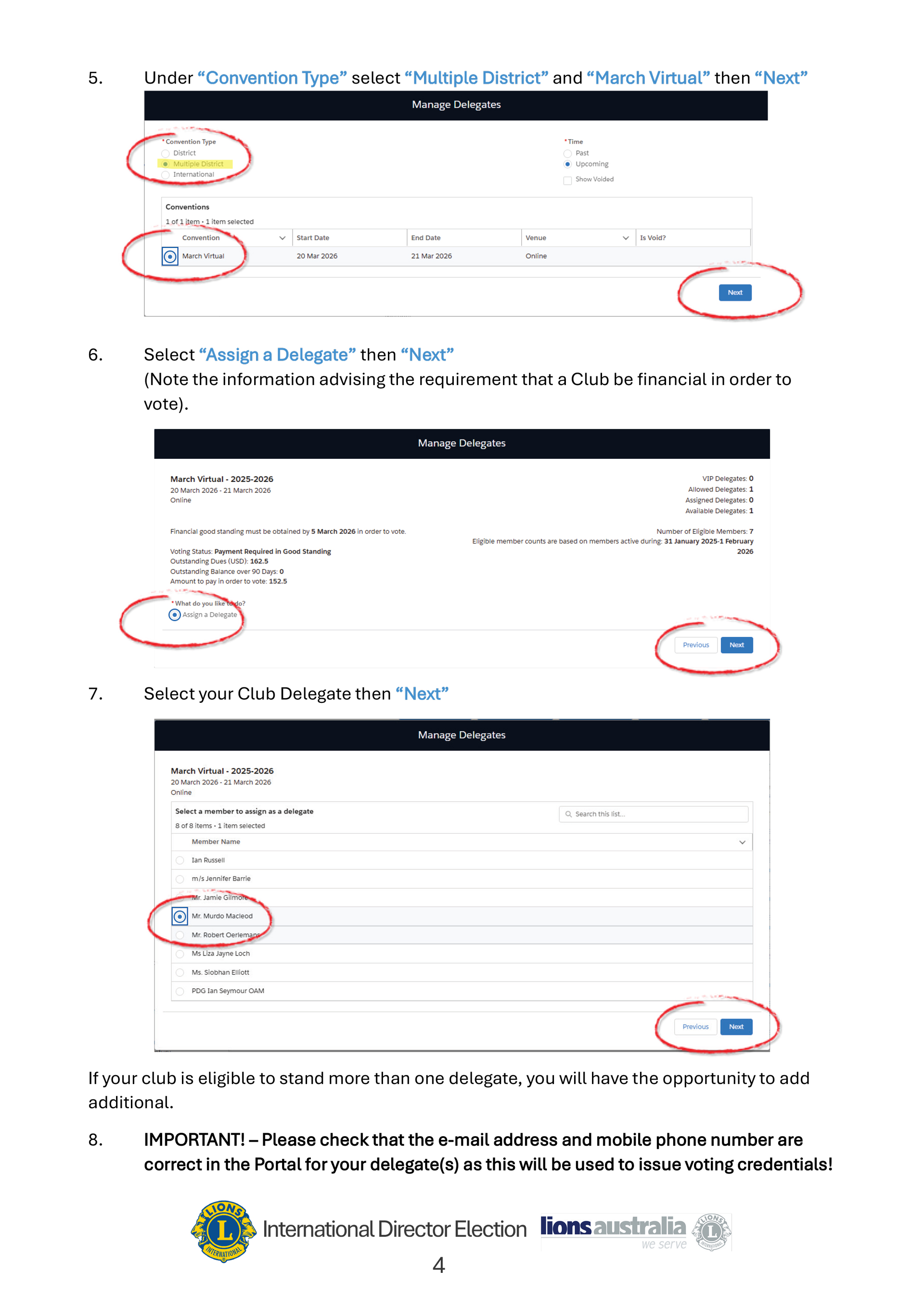
- Step 5 has been updated to emphasise the importance of choosing the convention “Multiple District” and "March Virtual". This delegate assignment is NOT for the Hong Kong International Convention.
A summary of the steps is also included below.
How to nominate a delegate on the Portal.
(Club Secretaries or Administrators)
- Navigate to the Portal here.
- Open the Portal by entering your username and password.
- Navigate to “My Club”
- Select “Members” and then “Manage Delegates”
- Under “Convention Type” select “Multiple District” and “March Virtual” then “Next”
- Select “Assign a Delegate” then “Next”
(Note the information advising the requirement that a Club be financial in order to vote). - Select your Club Delegate then “Next”
If your club is eligible to stand more than one delegate, you will have the opportunity to add additional. - IMPORTANT! – Please check that the e-mail address and mobile phone number are correct in the Portal for your delegate(s) as this will be used to issue voting credentials!